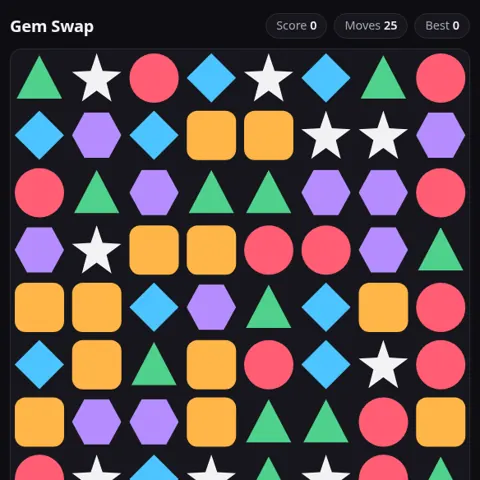
 Match-3
Gem Swap
Swap neighbouring gems to line up three or more. Twenty-five moves, chains score more.
 Amplify · AI game maker
Amplify is an AI game maker from Iceland: describe a browser game in plain English, and it builds a playable version you can change by chatting and publish at its own address.
An AI game maker turns a written description into a playable game. You describe the rules, the controls and the look; the AI writes the code and shows you a live preview. Amplify makes HTML5 games, so they run in any modern browser from a link.
Small 2D games with one clear mechanic work best: arcade classics like snake, brick breakers and runners, puzzles like match-3 and memory pairs, quizzes and clicker games. Write your description in English.
Small, playable games. Play one, then press Remix to copy it into your account and change it by chatting. Remix is free: it copies the game into your account and costs no credits. Asking the AI to change your copy costs credits like any other change (about 10 each).
Match-3Swap neighbouring gems to line up three or more. Twenty-five moves, chains score more.
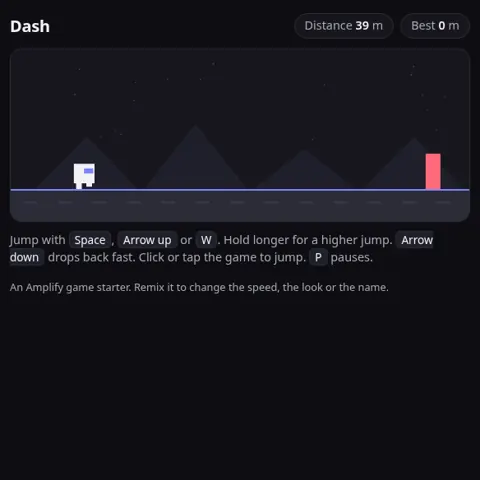 Endless runner
Jump the blocks and run as far as you can. It gets faster the further you go.
 Quiz
Ten general-knowledge questions with four answers each, and a bonus for streaks.
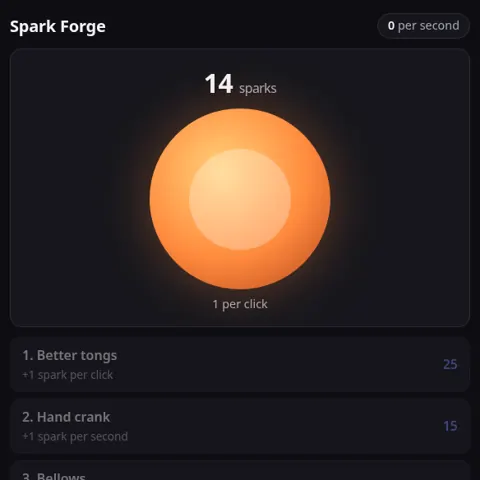 Idle clicker
Click the forge to make sparks, then buy helpers that make them for you. Saves in your browser.
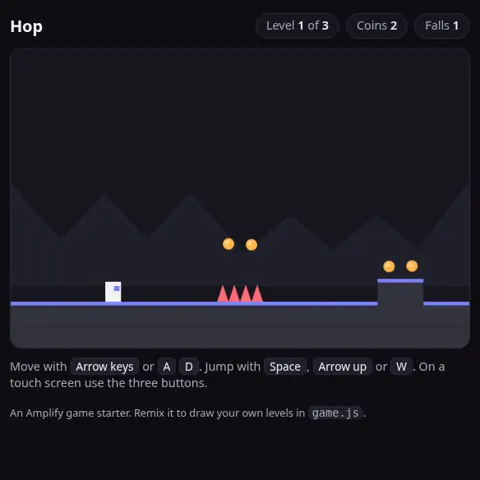 Platformer
Run, jump, collect coins and reach the flag across three short levels drawn as text.
 Arcade
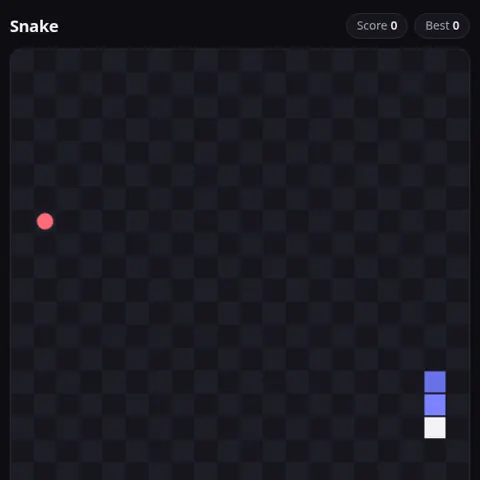
Eat, grow, and don't hit the walls or yourself. A little faster with every apple.
 Memory cards
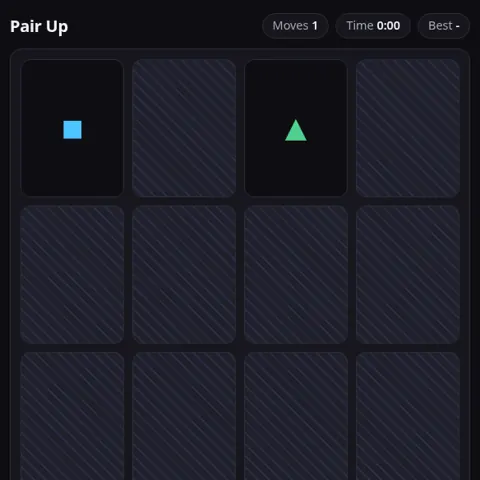
Flip two cards at a time and find all eight pairs in as few moves as you can.
 Brick breaker
Bounce the ball off your paddle and clear every brick. Three lives.
Yes. Free starters are ready to play and remix: Gem Swap, Dash, Quick Quiz, Spark Forge, Hop, Snake, Pair Up and Bounce. Copy one and change it by chatting.
Anyone with the link can play your published game in the browser, no Amplify account needed.
Build a game free with your 100 signup credits. A quick game uses about 6 credits on Fast; on Standard, the default model, a new build is from 21 credits.
Asteroid Dodge is a small space game built on Amplify from one plain-English sentence. One more sentence added a pause. A quick game uses about 6 credits on Fast; on Standard, the default model, a new build is from 21 credits. Times and credits vary from run to run, even for the same prompt.
“A small space game: steer a ship left and right with the arrow keys or by touch, dodge falling asteroids, and the score goes up the longer you survive.”
“Add a pause: pressing P or tapping the pause button stops the game and shows a Paused message.”
Keys: arrows (or A/D) to steer, P to pause, Enter to start. On a phone, use the on-screen buttons. Asteroid Dodge is a small 2D arcade game, not a commercial title. A big game with a story, levels and original art still takes a lot of directing, testing and changing.
Real screenshots, taken in order while Amplify's engine built a game from the same prompt on 2026-10-27, on a throwaway account. Nothing is edited, sped up or staged. They are still images: nothing plays and there is no sound.
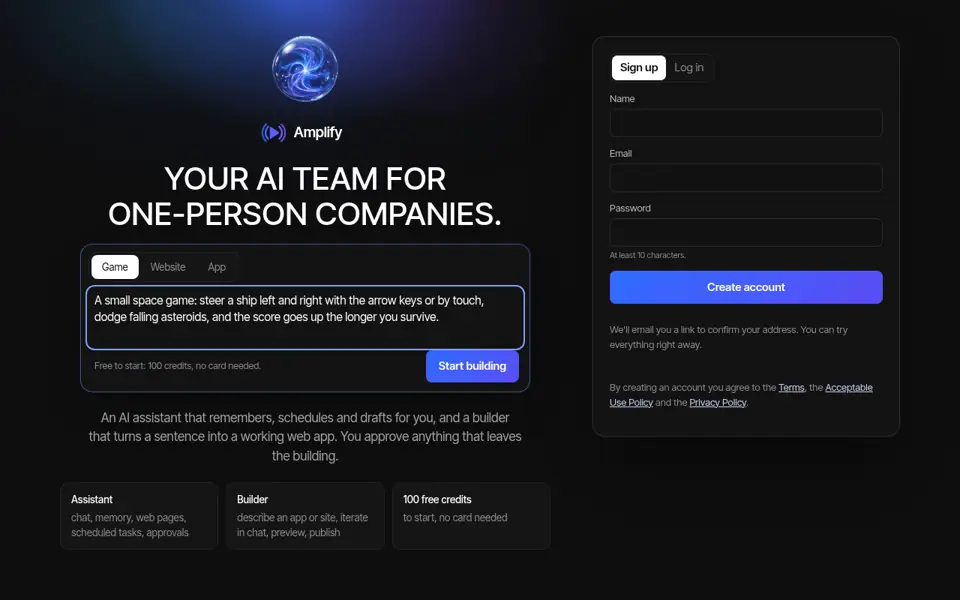
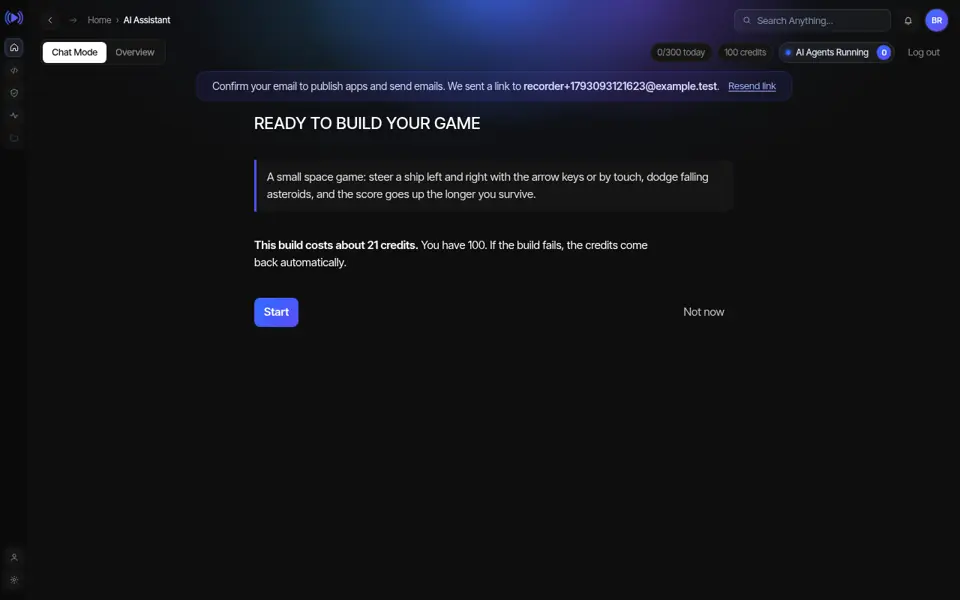
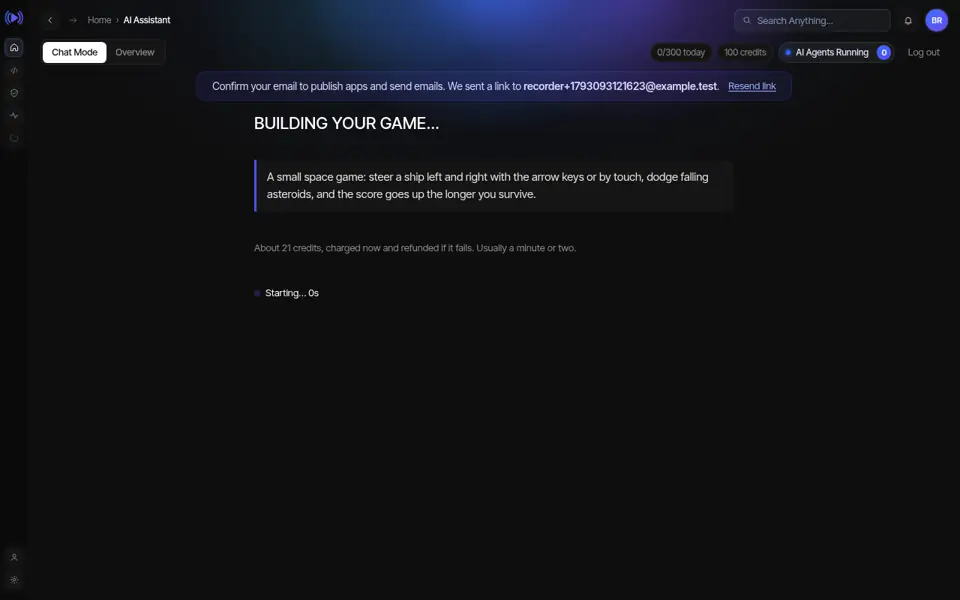
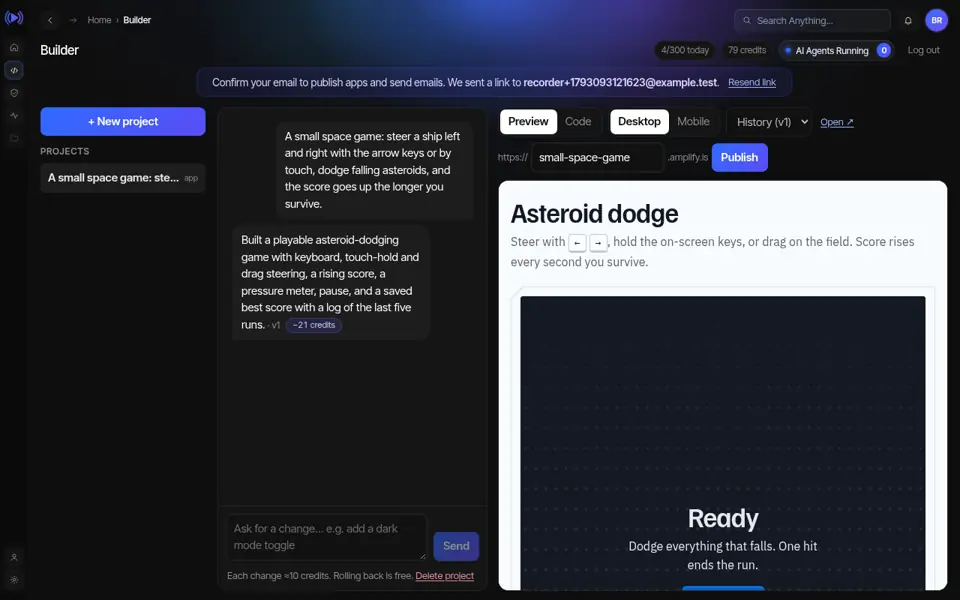
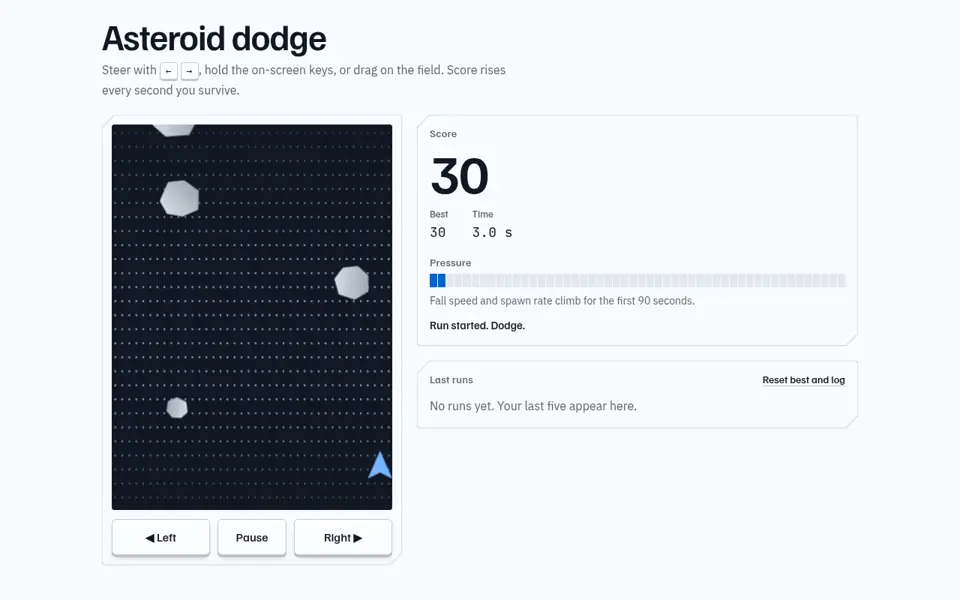
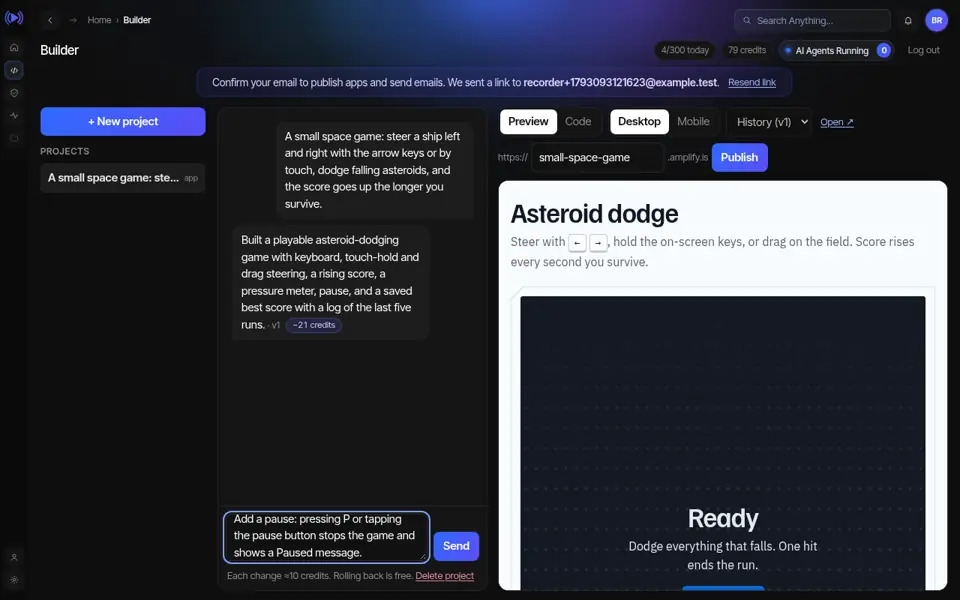
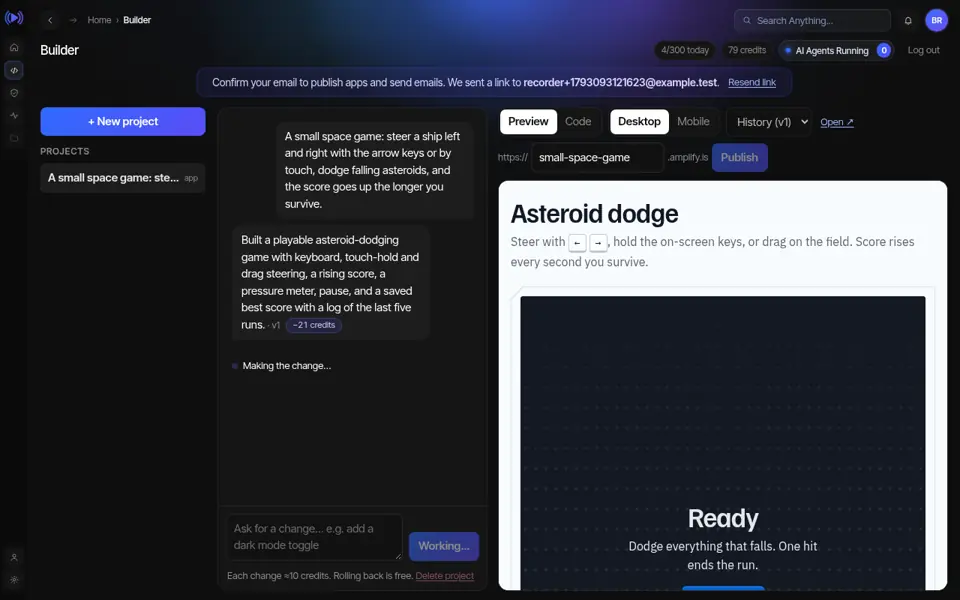
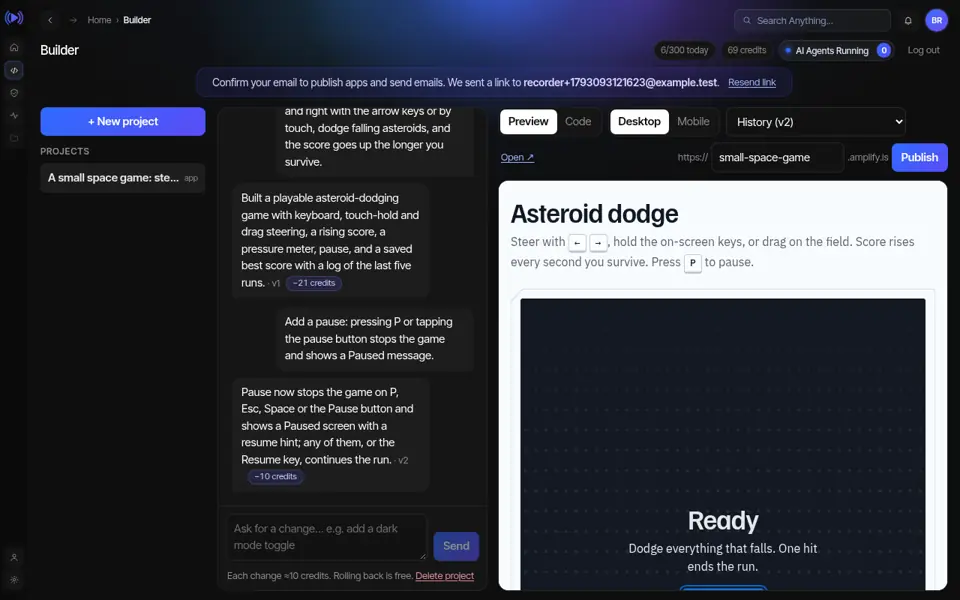
Times and credits vary from run to run, even for the same prompt. The typical costs are in the table below.
Everything you publish is set up to be found, read and quoted by search engines and AI answer tools. There is nothing to configure.
Every published game, site and app gets a sitemap, llms.txt files and a Markdown version of its pages. Websites also get structured business details (schema.org).
When you publish or unpublish, Bing and the other IndexNow search engines are notified straight away.
For websites: if our photo library doesn't have two photos that fit your site, Amplify makes up to two AI photos, with no text, logos or real faces. They cost no credits.
On 28 Oct 2026, isitagentready.com scored amplify.is Level 5, “Agent-Native”, its top level. Our published game starters scored Level 3, “Agent-Readable”.
Start free. Top up with one-time credit packs when you need more.
| What | Costs | Notes |
|---|---|---|
| Assistant reply, Normal | 1 credit | per model step. A plain reply is one step; using a tool such as web search adds one. |
| Assistant reply, Deep Think | 3 credits | per step, on a stronger model for harder questions. |
| New game, site or app | from 21 credits | on Standard, the default model; a big build is charged by actual use. On Fast from 6 (games and apps only), on Best from 81. |
| Change in chat | from 10 credits | on Standard, charged by actual use: small changes 10, bigger ones more. You see an estimate first and what isn't used comes back. On Fast from 3, on Best from 40. A change that ends up changing nothing is free. |
| New 3D game | 60 credits | a full 3D game from one description, everything included, on the standard model (fast 15, best 240). Refunded if no build passes the checks. |
| Change to a 3D game | 20 credits | per change in chat (fast 5, best 80). A change that ends up changing nothing is free. |
| Small fix to a 3D game | 10 credits | Fix with AI on a failed check (fast 3, best 40). Anything else is a change. |
| Rolling back and publishing | free | go back to any earlier version, and put it live, at no charge. |
| A failed model call | refunded | automatically, so you only pay for work that was done. |
Prices in US dollars, one-time packs, no subscription. Checkout is handled by Whop, and sales tax may be added at checkout depending on where you live. The terms say how credits work.
Yes, for small games. Amplify turns a plain-English description into a playable game that runs in the browser. One sentence describing a space game became Asteroid Dodge, with movement, collision, a score and a game-over state. A large game with a story, levels and original art still takes a lot of directing, testing and changing.
Describe the game in plain words: the genre, the controls, the rules and how you win or lose. Amplify builds a first version and opens a live preview you can play. Then ask for one change at a time in the chat. Every change is saved as a version, and you publish when it plays the way you want.
No. You describe what you want in plain English and Amplify's AI writes the code. You steer it by chatting, for example "add a pause button" or "make it faster". The builder's Code tab shows the files it wrote if you are curious, but you don't need to read them to build, change and publish a small browser game.
You can start free. Every new Amplify account gets 100 signup credits, no card needed. Playing the starter games is free, and so is remixing one into your account. Building a new game and asking for changes use credits; publishing and rolling back to an earlier version are free. When you need more credits, you buy a one-time pack: there is no subscription and nothing renews.
A small game can be playable in about a minute. Times vary from run to run, and a bigger game with levels, a story and art takes many rounds of changes and testing.
Yes. You change it by asking in the chat, for example "add a pause" or "make the asteroids faster". The AI edits the same game, and each change is saved as a new version. Rolling back to an earlier version is free, and if an edit changes nothing, it is refunded in full. A game you remix from a starter can be changed the same way.
Somewhere players can open it with just a link. On Amplify, publishing is built in and free: you approve the publish, and the game goes live at its own address on amplify.is. When you publish, Bing and the other IndexNow search engines are notified, and the game gets a sitemap and llms.txt files so search engines and AI tools can read it. Game portals such as itch.io also host HTML5 games.
Games that run in a web browser. The game starters, from a match-3 puzzle (Gem Swap) to Snake and a brick breaker (Bounce), are examples you can play for free. Small 2D arcade games are the sweet spot today; a big game with a story, levels and original art still takes a lot of directing, testing and changing. Describe your own idea and see what comes back; if the first version is off, ask for changes.
Yes, for a small game. One sentence describing a small space game where you dodge falling asteroids became Asteroid Dodge, with movement, collision, a score, a game-over state and touch controls. A second sentence added a pause. A quick game uses about 6 credits on Fast; on Standard, the default model, a new build is from 21 credits.
No. AI makes mistakes. You can ask for changes, roll back to an earlier version for free, and any model call that fails is refunded automatically.
They are the AI models you can build with. Standard (Claude Sonnet) is the default and suits most projects: from 21 credits for a new build and from 10 for a change. Best (Claude Opus) is for hard or large builds: it is slower and costs about four times as much (81 and 40). Fast is a smaller model for simple games and apps: it costs about a quarter (6 and 3), and its results are simpler and may need more changes. Fast is not offered for websites. You pick the model for each build and each change, and the app shows the price (for a big job, an estimate) before you start.
By actual use. Small changes cost the tier price (10 credits on Standard); a bigger change or build that needs more AI work costs more, in proportion to what the model really did. Before you start the app shows an estimate and holds it; if the work needs more, it keeps going and takes more from your balance as it goes, and what isn't used comes back. If your balance runs out, you can top up and resume.
If the model you picked is busy or unavailable and a cheaper one finishes the job, you pay the cheaper price. The difference goes back to your balance automatically.
You buy a one-time credit pack through Whop. There is no subscription and nothing renews.
Publishing is free, and you can unpublish anytime. When you publish or unpublish, Bing and the other IndexNow search engines are notified straight away.
A no-change edit is refunded in full.
Yes. The same builder makes websites and web apps.
Write to hello@amplify.is.
Publish your app, add your domain in Amplify, then point a CNAME at customers.amplify.is. HTTPS is set up automatically. Root domains need a DNS host that supports CNAME flattening or ALIAS; otherwise use www.
Connect any MCP client that supports remote servers with OAuth sign-in to the Amplify MCP endpoint (not a web page) at app.amplify.is/mcp. Your assistant can build and edit websites, web apps and games with your Amplify credits, check build status and previews, and request publishing, which you approve in Amplify.
Anyone 13 or older can use Amplify. If you're under 18, you need a parent or guardian's permission to buy credits.
